Skip to main content Skip to footer

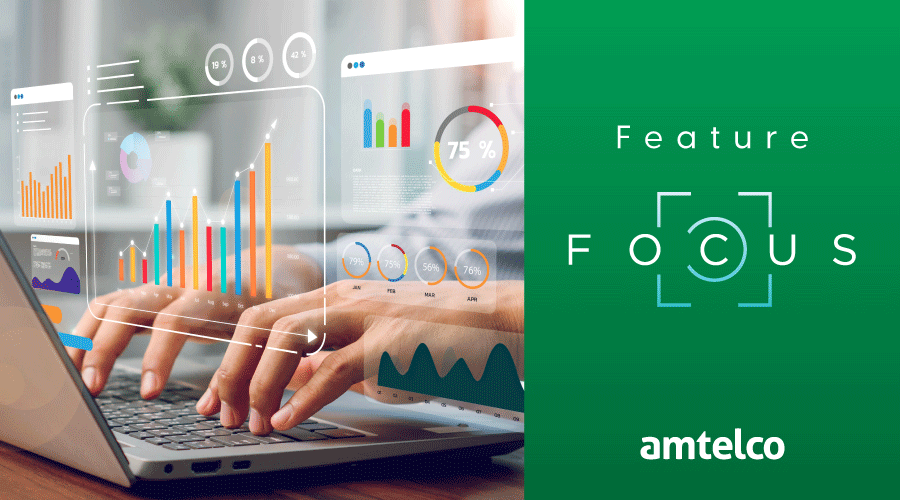
Active Insights is a secure, cloud-based reporting and analytics platform that provides detailed call metrics, automated call scoring, call transcription, multilingual capabilities, message archival, and more. The Active Insights Dashboard is the primary tool for monitoring system and agent statistics, showing real-time data at a glance. You can set up multiple dashboards and customize them to help you quickly find and track the information that’s important to you.
Preconfigured Default Dashboards
To help get you started, Active Insights includes two default dashboards. The standard default dashboard shows system information, and the second shows agent statistics. In addition to the two default ready-to-use dashboards, you can create your own custom dashboards to include the information you find most helpful.
Core Dashboard Components
A dashboard is comprised of three elements:
- Tabs are located across the top of the dashboard screen. Each tab is like a page, helping you categorize related information. You can add as many tabs as needed and easily switch between them with a click.
- Panels are the area inside the tabs. Each panel can be set to a specific height and width, ensuring key data is easy to see. You can also add colors to panels to visually separate the content.
- Widgets are located on panels and show the live data. Similar to panels, you can configure custom sizes and colors for widgets to help separate the various categories.
Filtering Dashboard Data
You can add filters to the dashboards to control exactly which information is displayed. Filters can limit the data shown by adjusting settings such as date, time, client, agent, and skill.
Monitoring Call Center Performance
Keeping track of the overall quality of service you’re providing to callers and clients can be challenging. Active Insights makes it easy for you to monitor what’s happening in your call center. Using the Active Insights Dashboards, you can arrange, resize, and add colors to the tabs, panels, and widgets, so the information you need is quickly within reach, helping ensure you’re providing the best service for your clients and their callers.
Fine-Tuning Your Dashboards
Setting up your dashboards to instantly show the information you need will save time when you’re answering a client’s questions. Over time, you may find you want to edit existing dashboards, or add and rearrange the tabs, panels, and widgets. The good news is that Amtelco has many resources to help you.
Amtelco’s online TechHelper customer support tool includes numerous tutorial videos about Active Insights, including multiple Active Insights Dashboard tutorials, as well as reference guides:
- Click here to view a Dashboard Overview tutorial.
- To see a full list of tutorial videos, click here.
- Click here to view Active Insights Reference Guides.